All your numbers, linked by QR
Scan once from WhatsApp › Linked devices. Each number gets its own queue, limits and health score, and keeps working when a browser tab closes.
Link all your WhatsApp numbers by QR and run them as a team: every chat, Status, call and group in one place, and broadcasts that slow down by themselves when a number needs a rest.
Front Desk outreach
12/min · health good
3 numbers linked
Each with its own limits
Made for
WhatsHive replaces the pile of phones on the desk: link numbers once, then let your whole team chat, post, call back, automate and measure from the browser.
Scan once from WhatsApp › Linked devices. Each number gets its own queue, limits and health score, and keeps working when a browser tab closes.
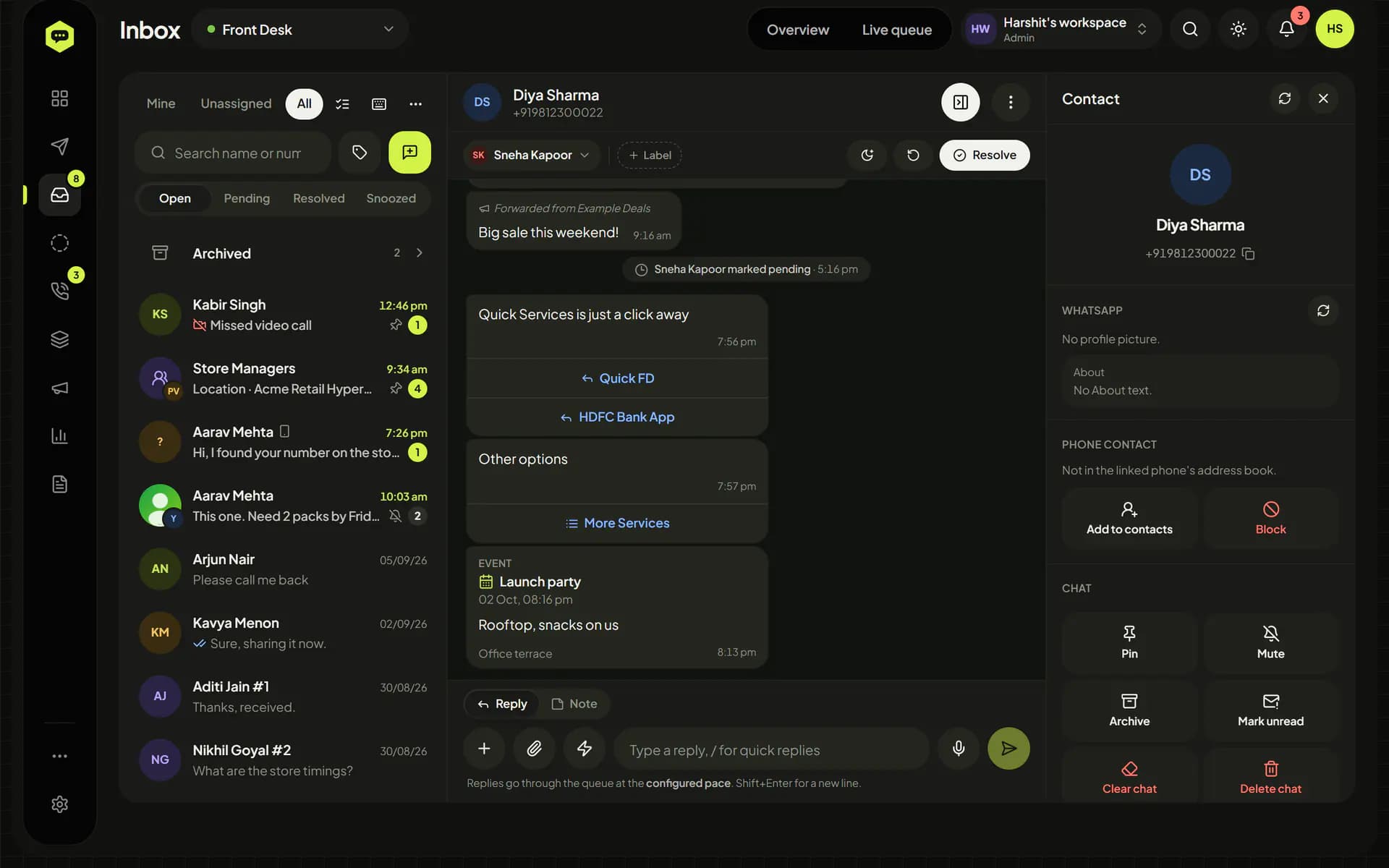
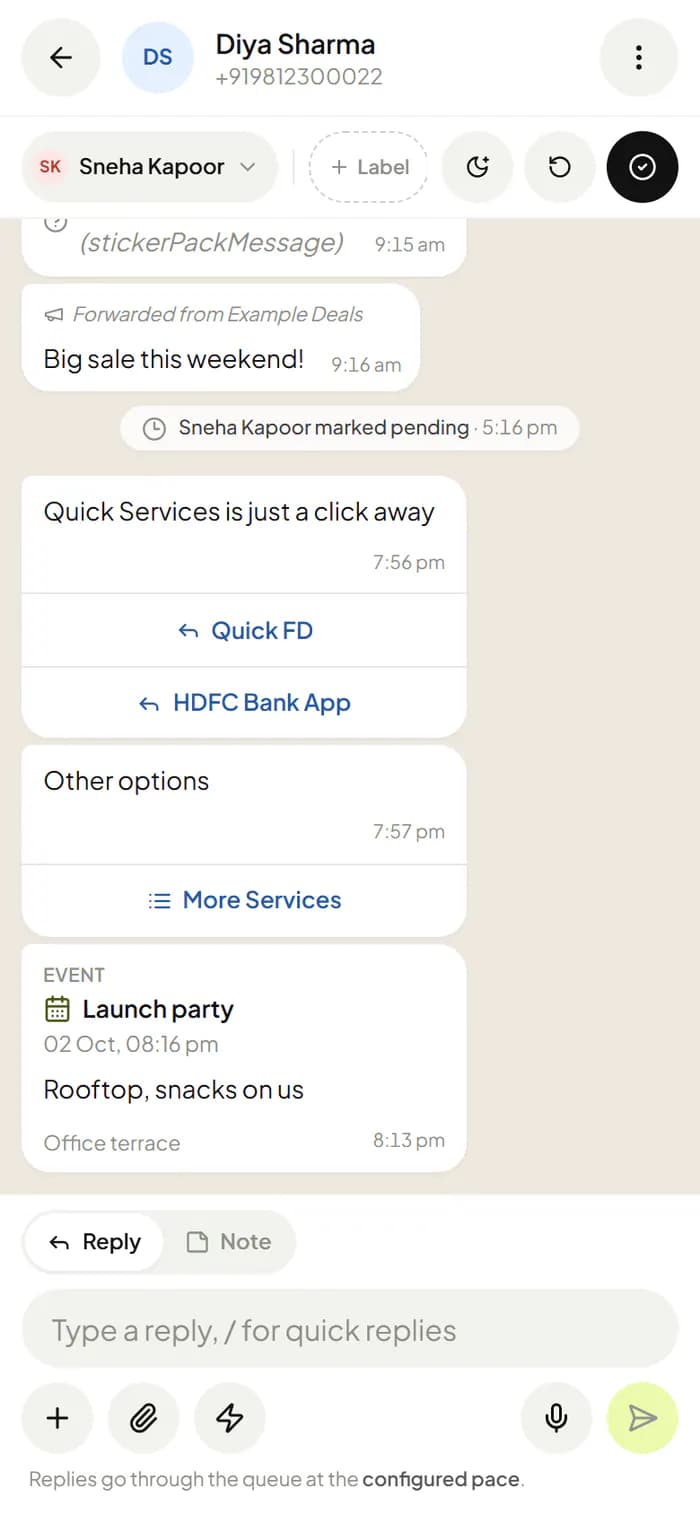
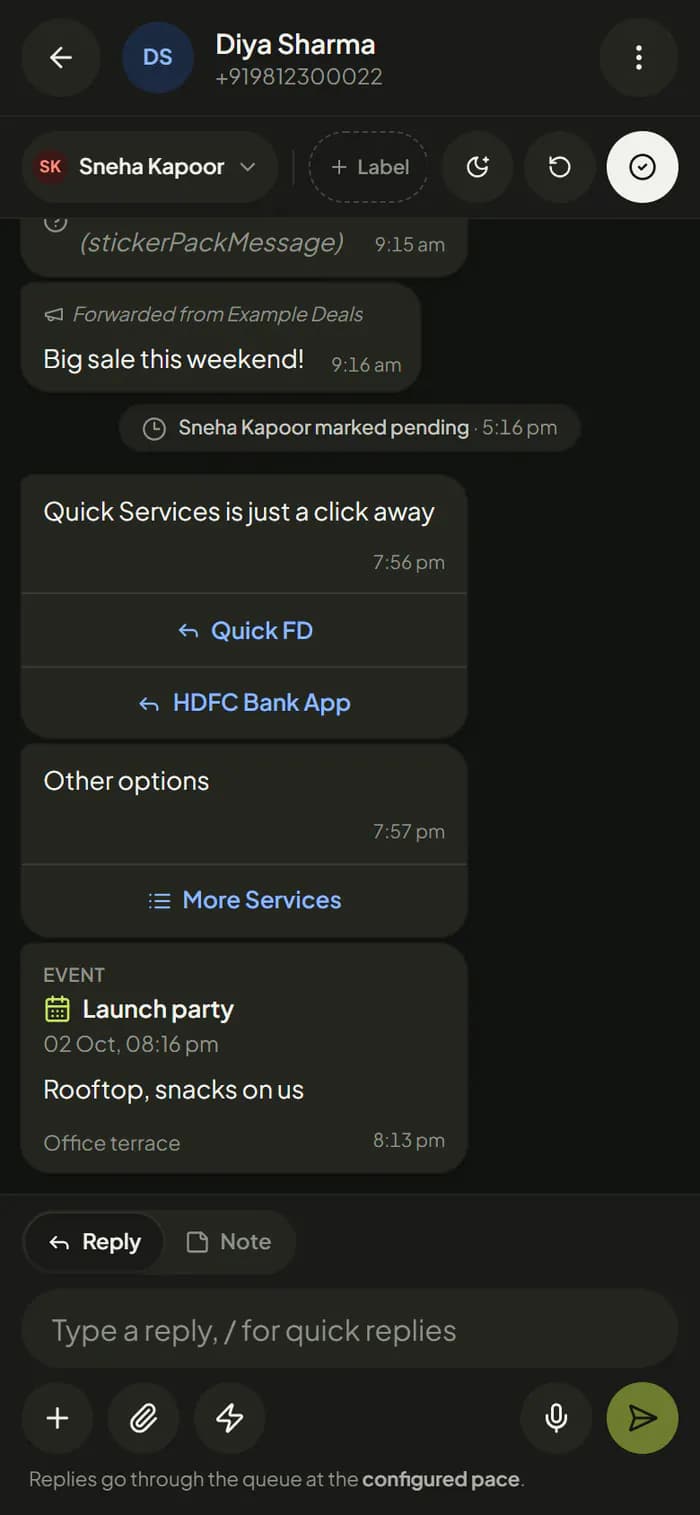
Assign chats, mark them open, pending or resolved, snooze, label and leave internal notes with @mentions. Pin, archive and mute stay in step with the phone.
Voice notes from any audio file, documents up to 2 GB, polls, locations and contact cards, with mentions, quotes, edits and deletes.
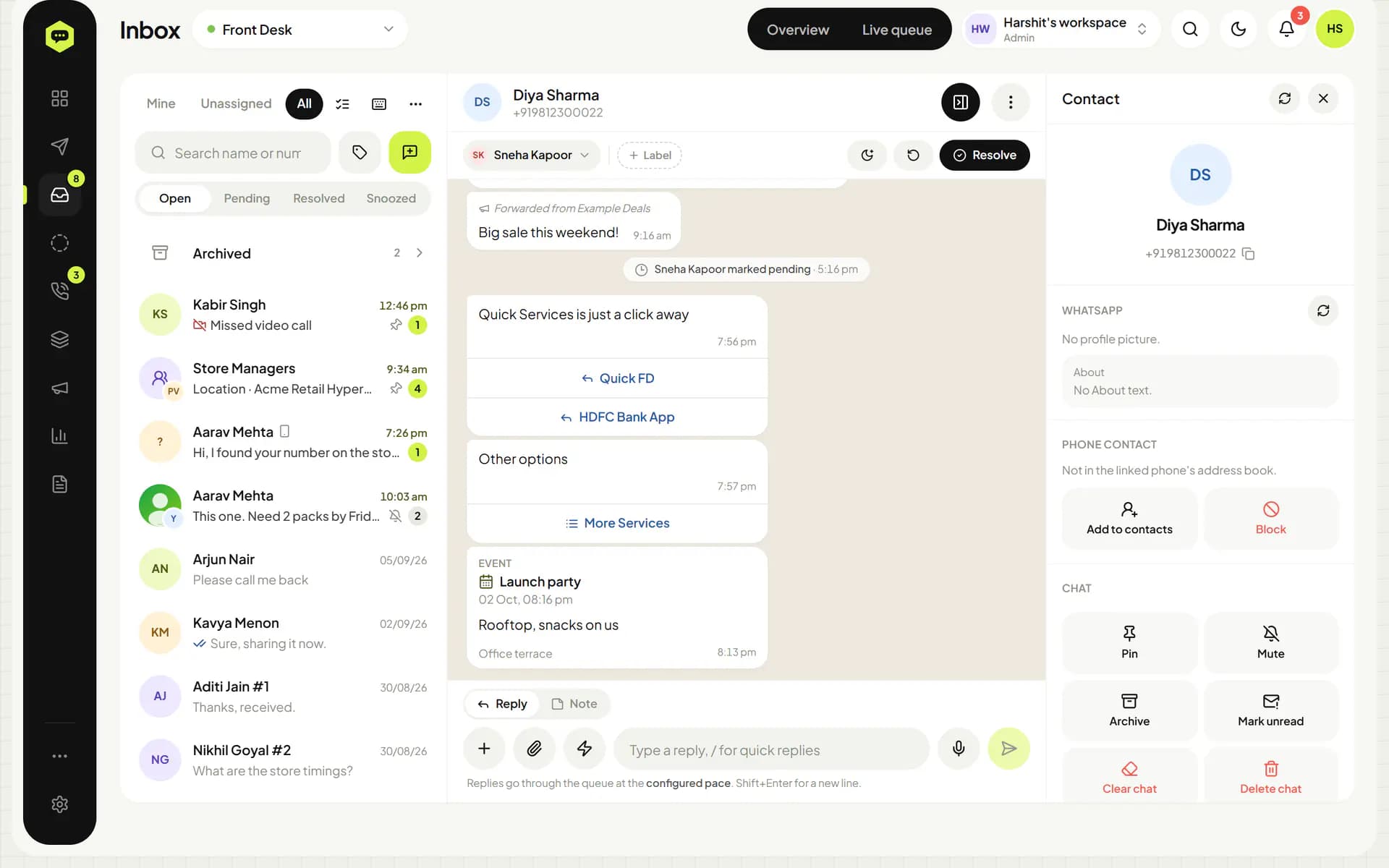
Messages from businesses show their buttons and lists, and your team can tap them right from the chat.
Any message type to lists, phone contacts or groups, with {name} and custom fields. Schedule, repeat, or post it as a Status, now, later or on repeat.
Keyword replies in any language, a welcome for new chats, an away message outside working hours and quick replies on a slash.
The phone's address book syncs in with business names. Import from CSV, tag into lists and track consent; anyone who replies STOP is skipped.
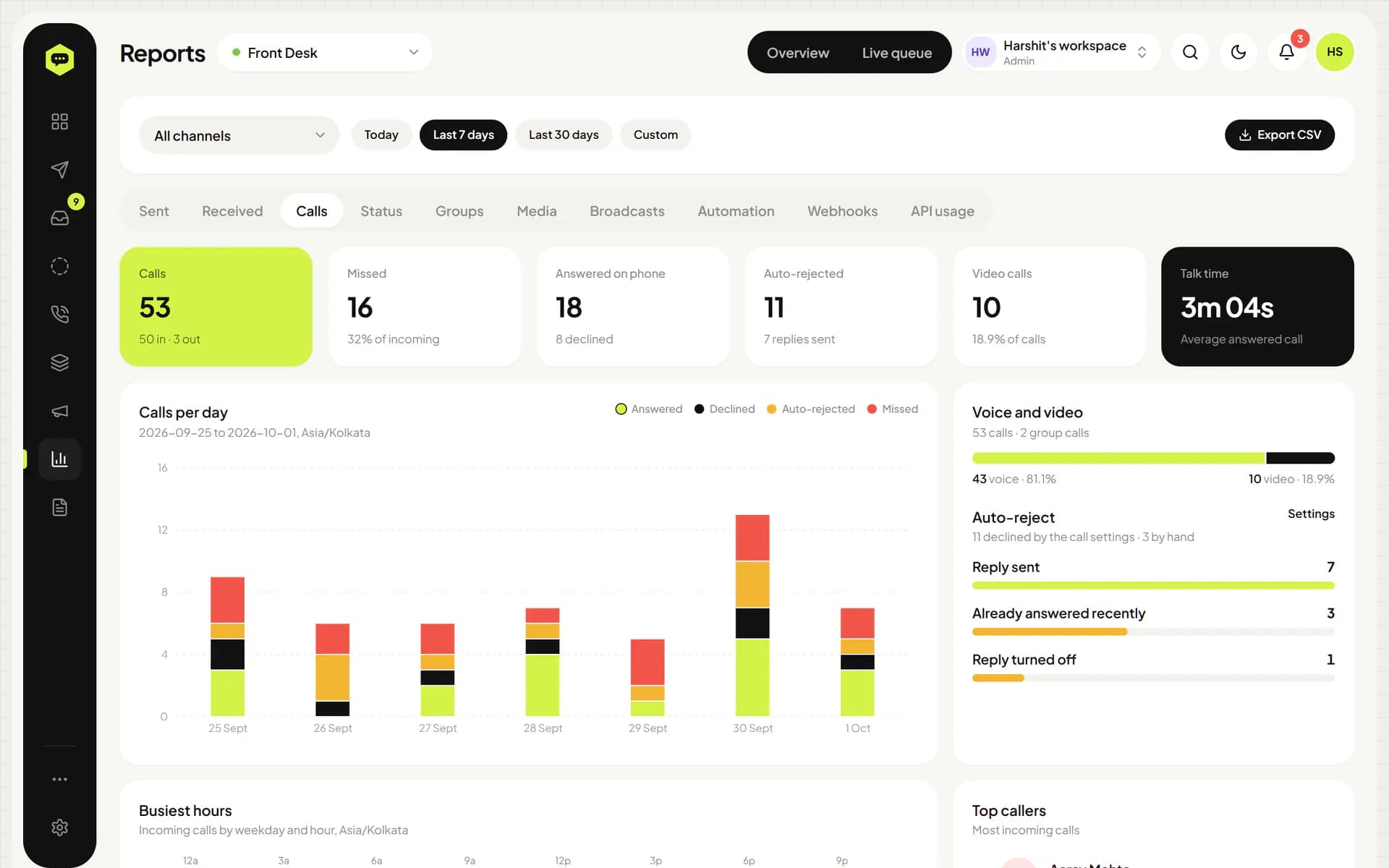
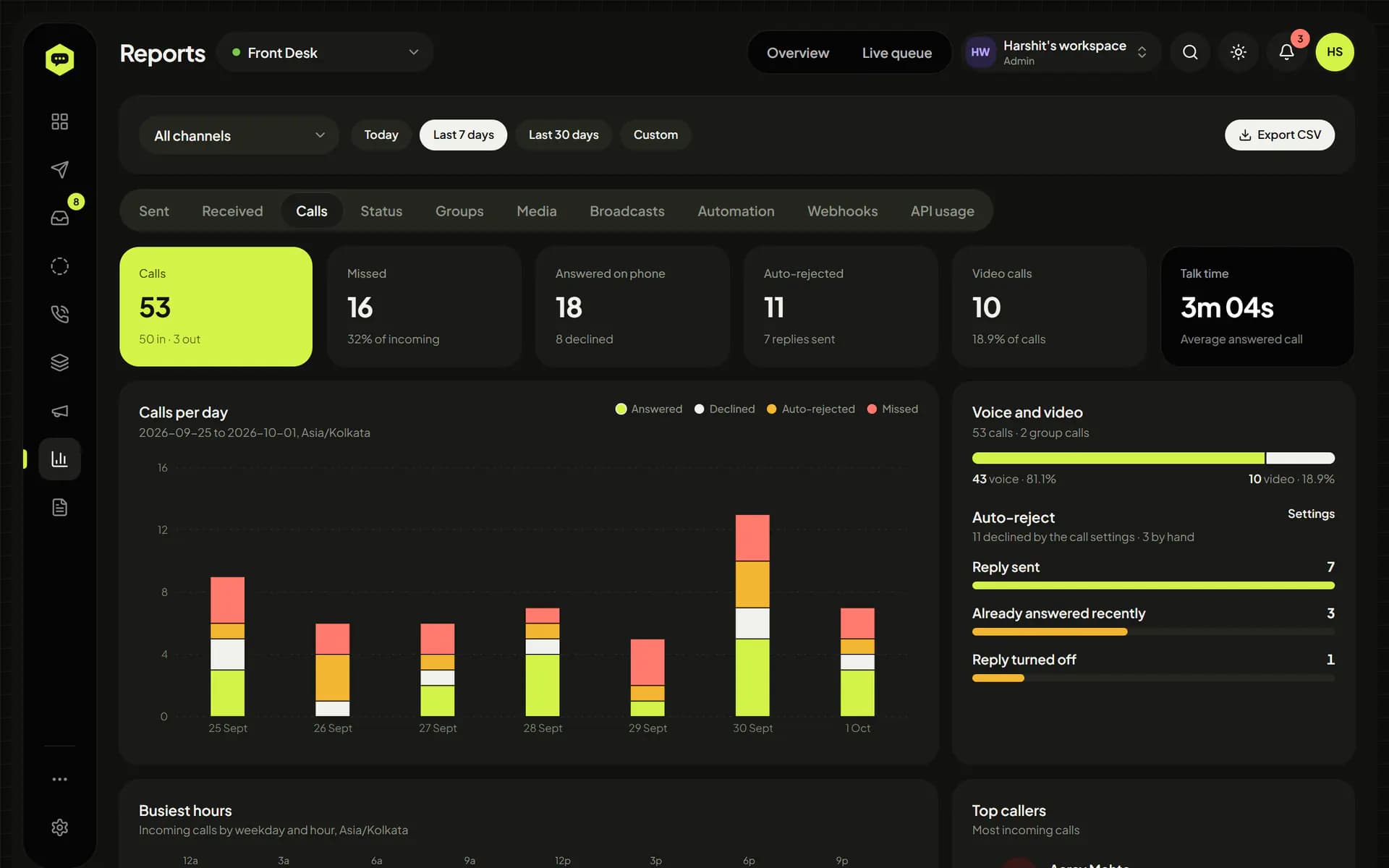
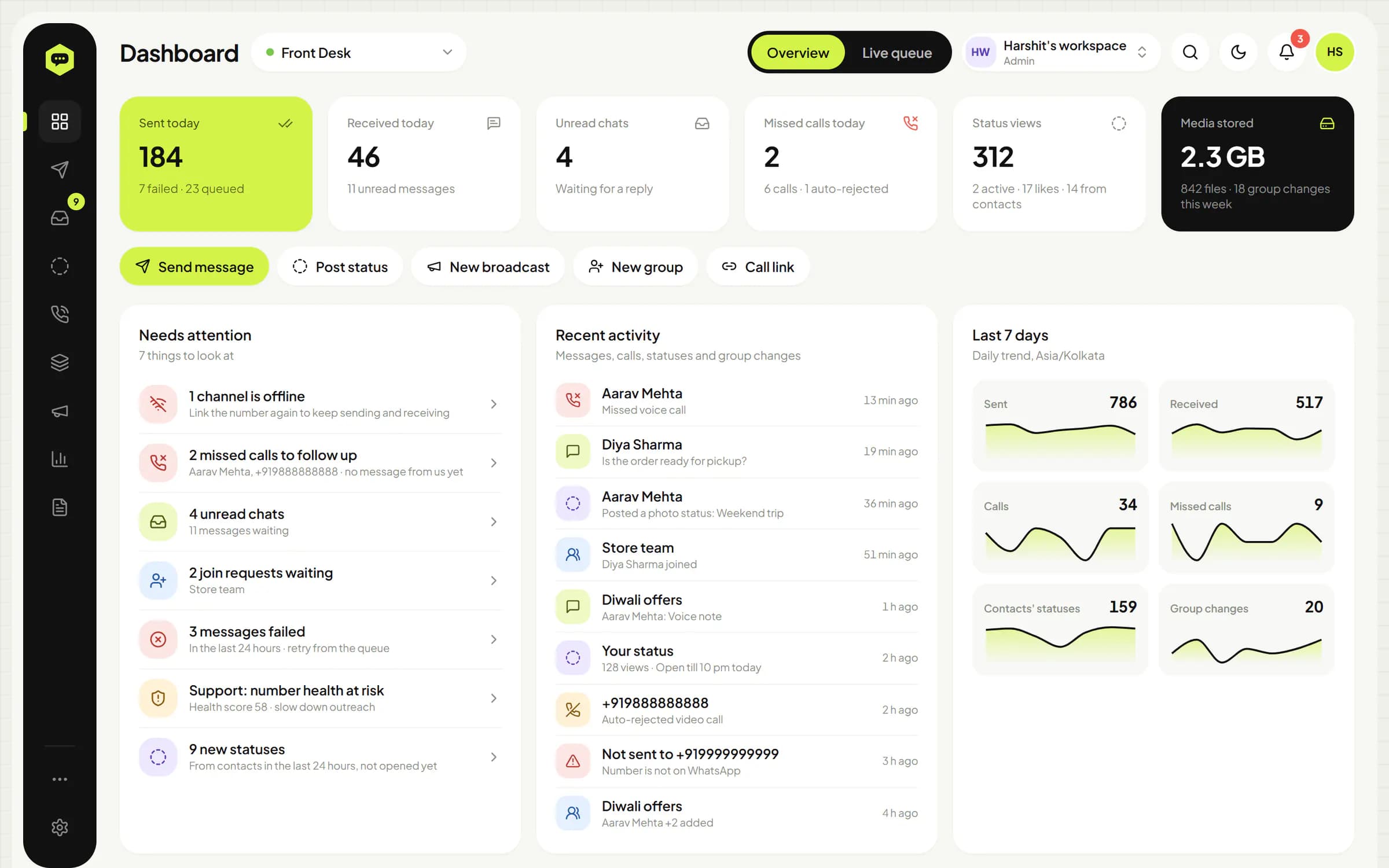
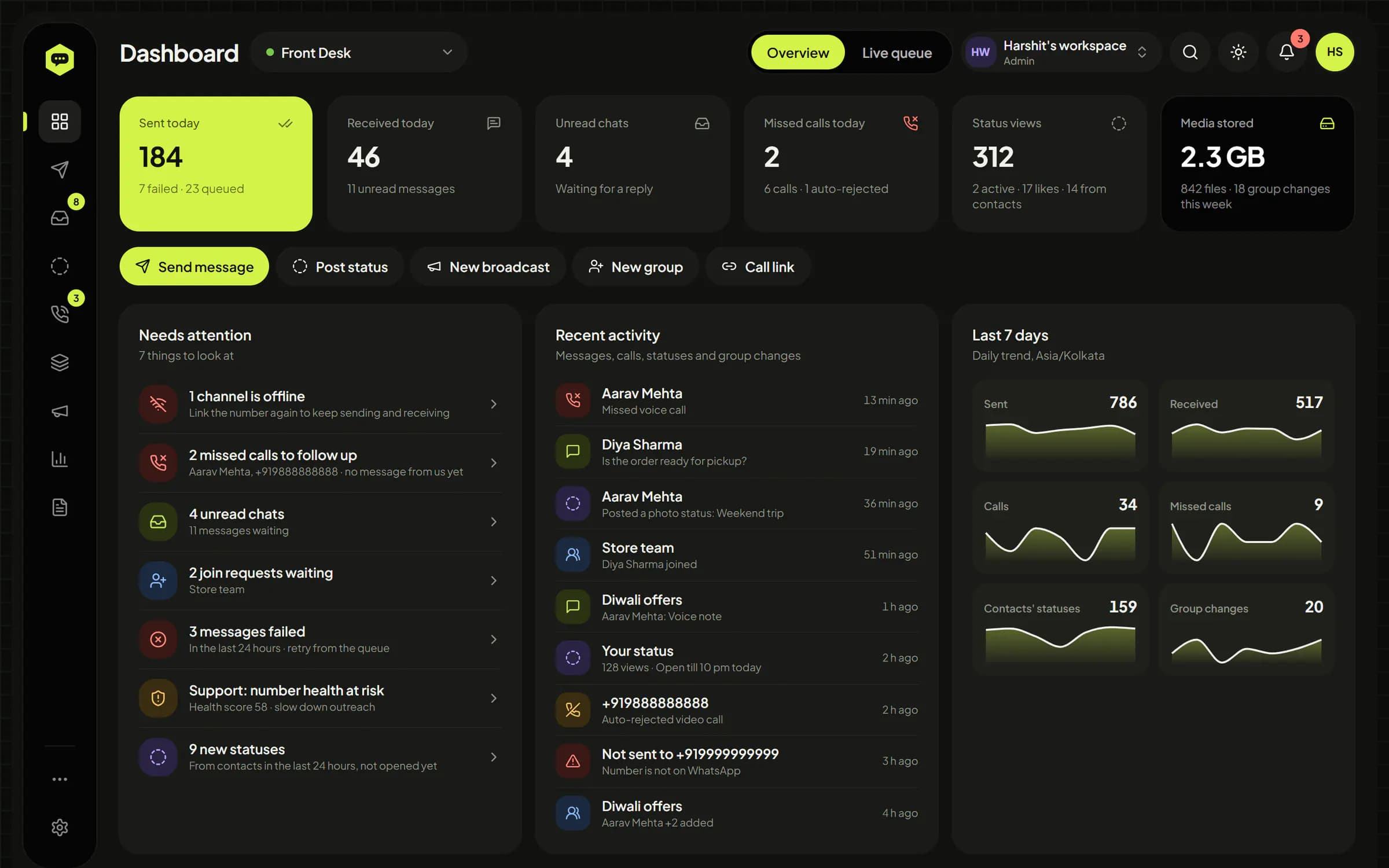
See what needs attention today, then dig into messages, calls, Status, groups, media, broadcasts, webhooks and API usage. Response times, SLA and an agent leaderboard, all exportable to CSV.
An in-app bell and browser push when a chat is assigned to you, someone @mentions you or a number drops. Install WhatsHive on your phone like an app.
What you'd do on the phone, and the parts a phone can't do: shared work, safe sending, reports and an API.
The same privacy choices WhatsApp gives every user, for every linked number, managed by your team from one place.
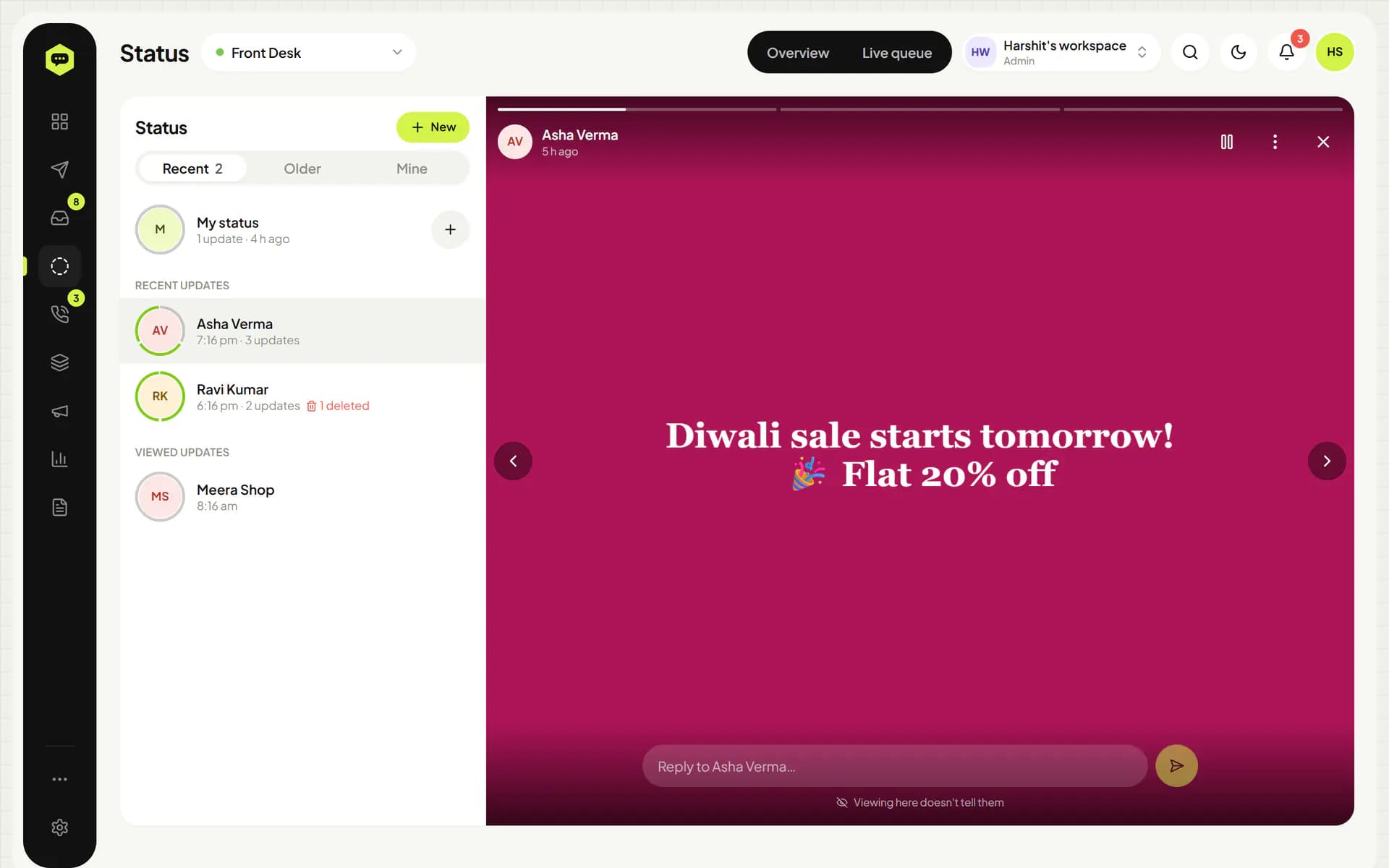
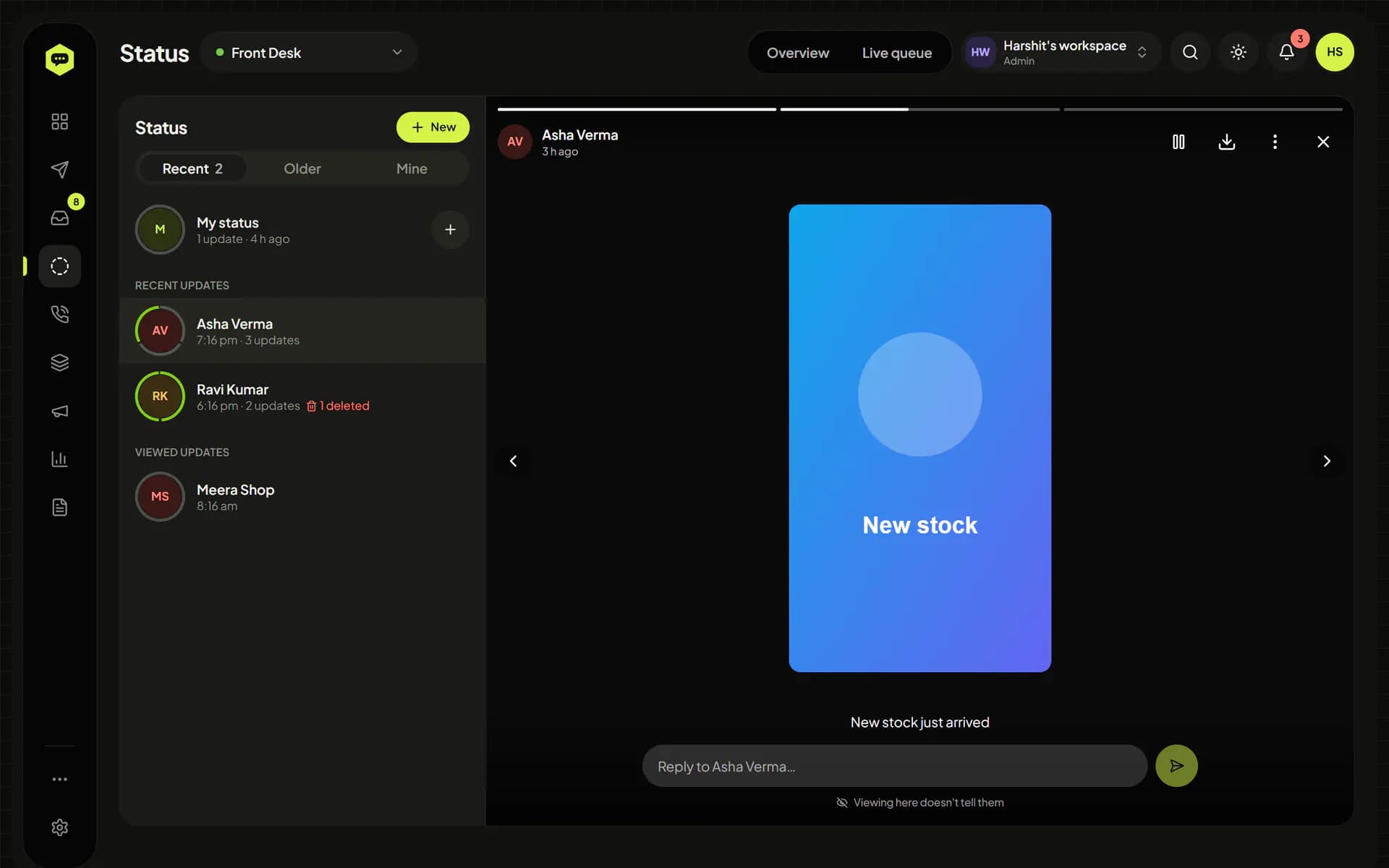
Open, play and download your contacts' Status updates. WhatsHive never sends a seen receipt for a status, and deleted or expired ones stay readable.
Answer from the dashboard without the number showing online or typing. Contacts' online and typing still show in the open chat when WhatsApp shares them.
Choose whether reading a chat in WhatsHive sends blue ticks. WhatsApp's own read receipts setting is there too, and as on the phone, turning it off hides theirs as well.
Change the number's photo, name and About, and who sees its last seen, photo and About or can add it to groups.
Block and unblock numbers from a chat or the list, synced with the phone.
Every profile picture of a contact or group that WhatsHive has seen, kept with the date it changed.
WhatsHive only shows what WhatsApp already shares with your number. Other people's privacy settings still apply, and who can use these controls is set by each role.
Give every agent the chats they own, keep everything about a contact in one place, and decide exactly who can see and do what, down to a single action.
Every chat has an owner and a status: open, pending or resolved. Snooze it and it comes back when you said.
Internal notes with @mentions sit right in the conversation. The contact never sees them.
Every message type, quoted replies, reactions, edits and deletes, with the contact's WhatsApp profile and history in a side panel.
Start a chat with any number, mark all read, see who's online or typing. Pins, archives and mutes match the phone. J/K, A, E and N on the keyboard.
Keep brands, branches or agency clients apart, each with its own numbers, contacts and people. The platform owner switches features on or off and sets limits per workspace.
Build roles from 122 permissions, then limit which chats they see, whether they can export, whether numbers are masked and their working hours.
See who did what and when, require two-factor sign-in for everyone and sign out old devices.
Blasting a list from one phone is how numbers get restricted. WhatsHive keeps replies quick, sends outreach the way a careful person would, and backs off when a number shows strain.
Answers to people who wrote in go out quickly in their own lane. Broadcasts, bulk and cold messages wait in a paced lane with typing delays and random gaps.
A freshly linked number starts with a small daily allowance for outreach that grows day by day. Replies are never held back.
Failures, opt-outs, replies and read rates feed a score. When it drops, outreach slows down, and pauses by itself if it gets critical.
Outreach only leaves inside the hours you set, in IST, and stops at each number's daily cap until the next window. Workspace caps apply on top.
See who opted in, who wrote first and who is unknown before a broadcast starts, and get warned about link shorteners and other spammy patterns.
Contacts who reply STOP are skipped by every broadcast and automation.
No tool can guarantee WhatsApp won't restrict a number. WhatsApp alone decides that. These controls lower the risk by removing the patterns that most often get numbers flagged; messaging people who expect to hear from you matters most.
The team inbox, Status, calls, groups and reports, each in a focused page. Fast on a laptop, just as usable on a phone.
Every chat of a number with its owner, status and labels. Business messages keep their buttons and lists, and the contact's WhatsApp profile and phone-book entry sit in a side panel.
Send order updates, OTPs and alerts from your own systems with one HTTP call, and get replies, calls, Status and group changes back as signed webhooks. Your code decides what to say; WhatsHive handles the pacing.
A key for one number or for several, carrying only the scopes you tick out of 36, with presets, an expiry date, an IP allowlist and its own rate limit.
Messages, edits and deletes, calls, Status, groups, communities, contacts, the inbox and more. Every delivery is signed with HMAC-SHA256 and retried if your server is down.
A published spec for every key endpoint and webhook payload, so you can generate a client or import it into your API tool.
API sends share the lanes, pacing, windows and limits of the dashboard, for every message type up to 2 GB files.
See every webhook attempt with its response, and send any of them again with one click.
Requests, errors and response times per key and endpoint, exportable to CSV.
Full reference with runnable examples inside every workspace.
Call the API
curl -X POST https://whatshive.harshitsaini.in/api/$CHANNEL_ID/send \
  -H "Authorization: Bearer $WHATSHIVE_KEY" \
  -H "Content-Type: application/json" \
  -d '{ "number": "919876543210", "message": "Hi Aarav, your order #4521 has shipped!" }'

# 202 Accepted: the message is queued and leaves at a safe pace
Receive replies
{
  "event": "message.received",
  "webhookId": "6710a3f2c9e4b1a2d3e4f7c2",
  "channelId": "6710a3f2c9e4b1a2d3e4f501",
  "occurredAt": "2026-09-29T10:42:07.512Z",
  "data": {
    "chatJid": "[email protected]",
    "fromMe": false,
    "sender": { "name": "Asha Verma" },
    "type": "text",
    "text": "Is my order ready?"
  }
}No app to install for your team and no new phone numbers. If you can scan a QR code, you're set.
Tell us about your numbers, volume and team. We set up your private workspace and send your admin invite.
Open WhatsApp › Linked devices on each phone and scan. Your number, your chats, no Meta approval or new SIM.
Invite your team with the right roles, sync contacts from the phone, set up auto-replies and connect your systems through the API and webhooks.
A few details about your team and how you use WhatsApp, and we'll take it from there.
A reply within a day
A real person reads every request.
Set up around you
Your workspace is shaped to your numbers and team.
Your details stay private
Used only to get back to you.
No. Your numbers are linked the same way WhatsApp Web is: as a linked device, by scanning a QR code. That means no Meta business verification, no template approval and no new numbers. You keep using your existing WhatsApp or WhatsApp Business number.
Yes, any number that sends unwanted messages can be restricted, and no tool can guarantee otherwise. WhatsHive lowers the risk: replies go in a fast lane while outreach is paced with typing delays and jitter, new numbers warm up gradually, each number has a health score that slows or pauses outreach by itself, and sending windows, daily limits, consent tracking, content checks and STOP opt-outs are built in. Message people who expect to hear from you and you'll be in good shape.
No. Once linked, sending and receiving happen on the server, even when the phone is off. WhatsApp does unlink devices when the main phone hasn't been opened for a long time (around two weeks), so open WhatsApp on each phone now and then. If a number does disconnect, you get an in-app alert and, if you set them up, email and Telegram alerts.
As many as your team needs, within the limits set for your workspace. Every number gets its own queue, limits, health score and inbox, and each teammate gets a role built from 122 permissions, access to only the numbers they need and, if you like, limits on which chats they see, exports, masked phone numbers and working hours.
Yes. Create a workspace for each client, brand or branch. Each has its own numbers, contacts, teammates, roles and audit log, and people who belong to more than one switch between them from the top bar.
No. WhatsHive never sends a seen receipt for a Status, so viewing or downloading one from the dashboard doesn't show up in their viewers list. It only shows what WhatsApp already shares with your number, and their own privacy settings still apply. Your own posts show who viewed and liked them.
Yes. Any Status, text with its colour and font, a photo, video, GIF, audio or voice note, can be posted now or at a time you pick, and changed, posted early or cancelled until then. Recurring ones go out daily, on chosen weekdays, monthly or every few days, and can rotate through several posts. They wait in the queue without polling, respect your daily Status limit and choose who sees them when they post. Files are kept until then, in your media storage when it's set up.
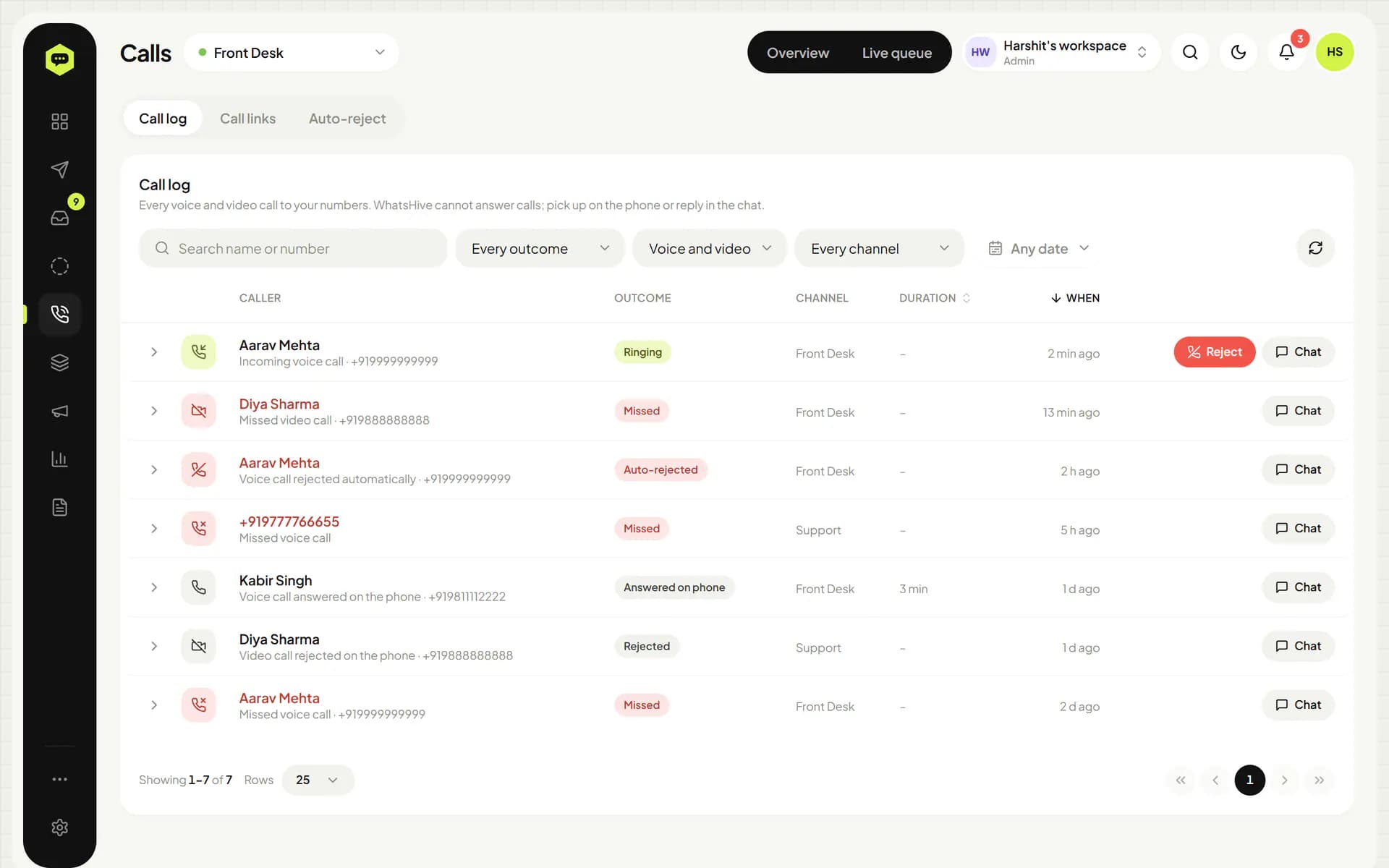
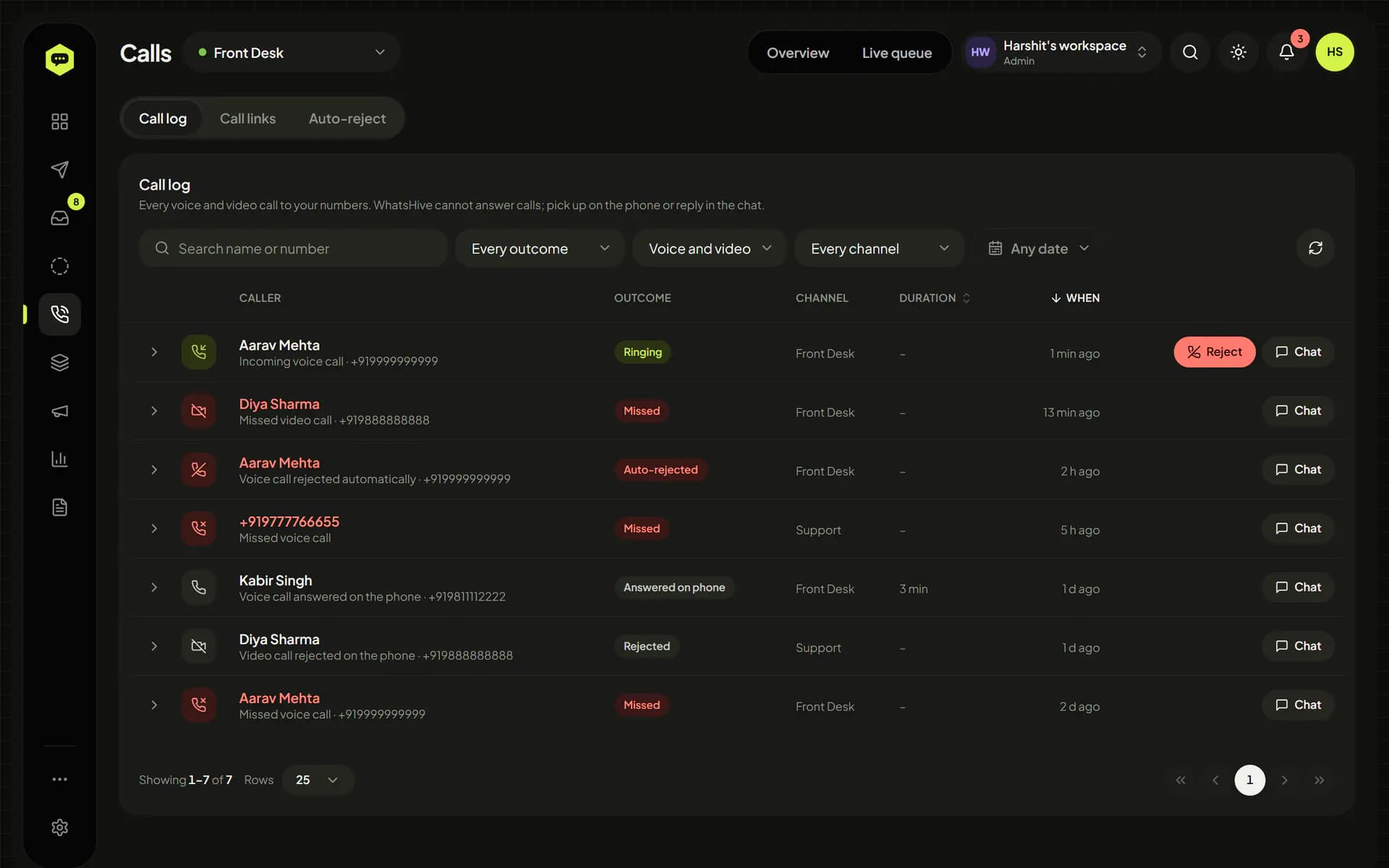
No. Calls are still answered on the phone. WhatsHive keeps a log of incoming and outgoing voice and video calls, can reject a ringing call or reject calls automatically and send a reply, creates call links, and alerts the team about missed calls so someone follows up in the chat.
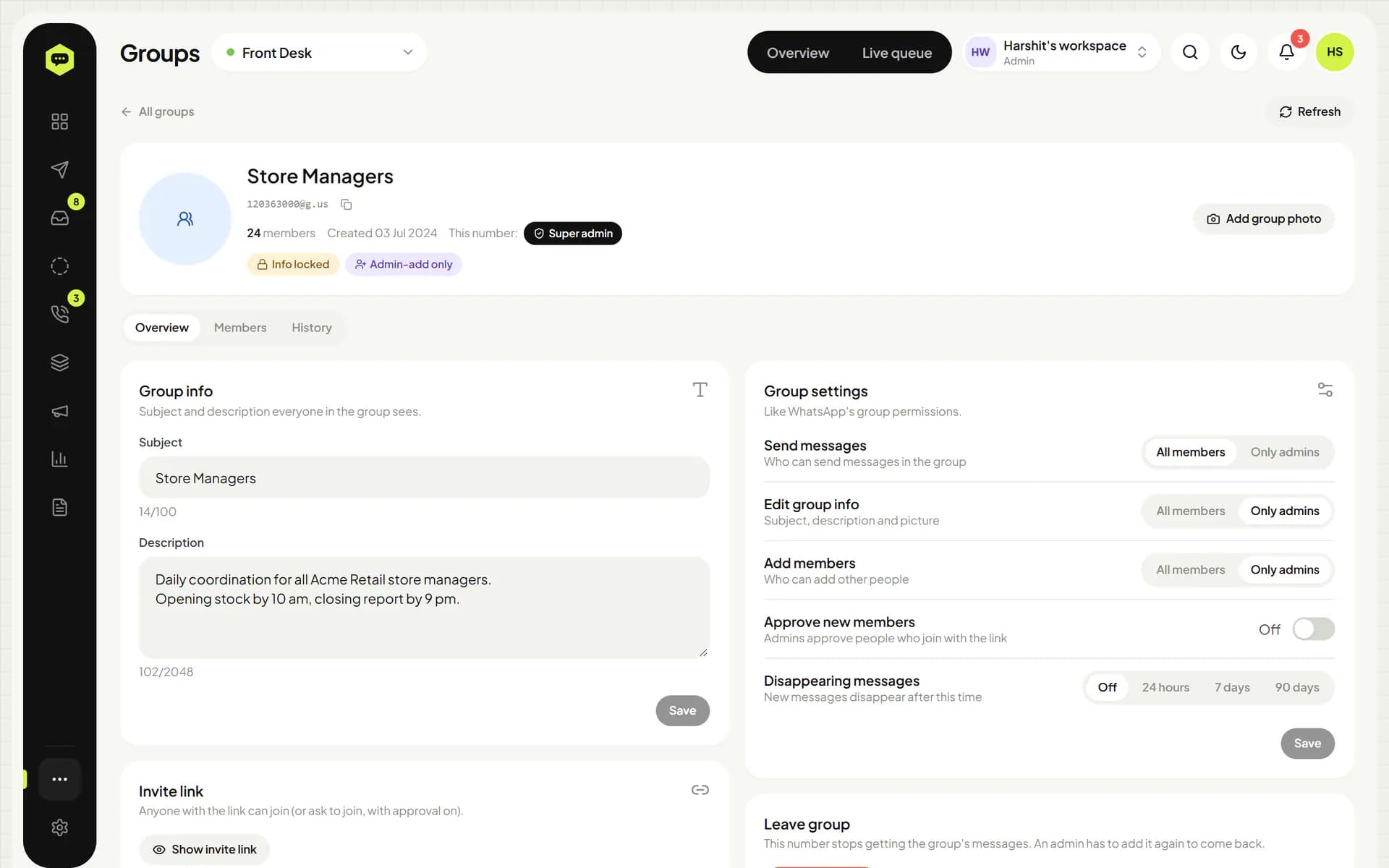
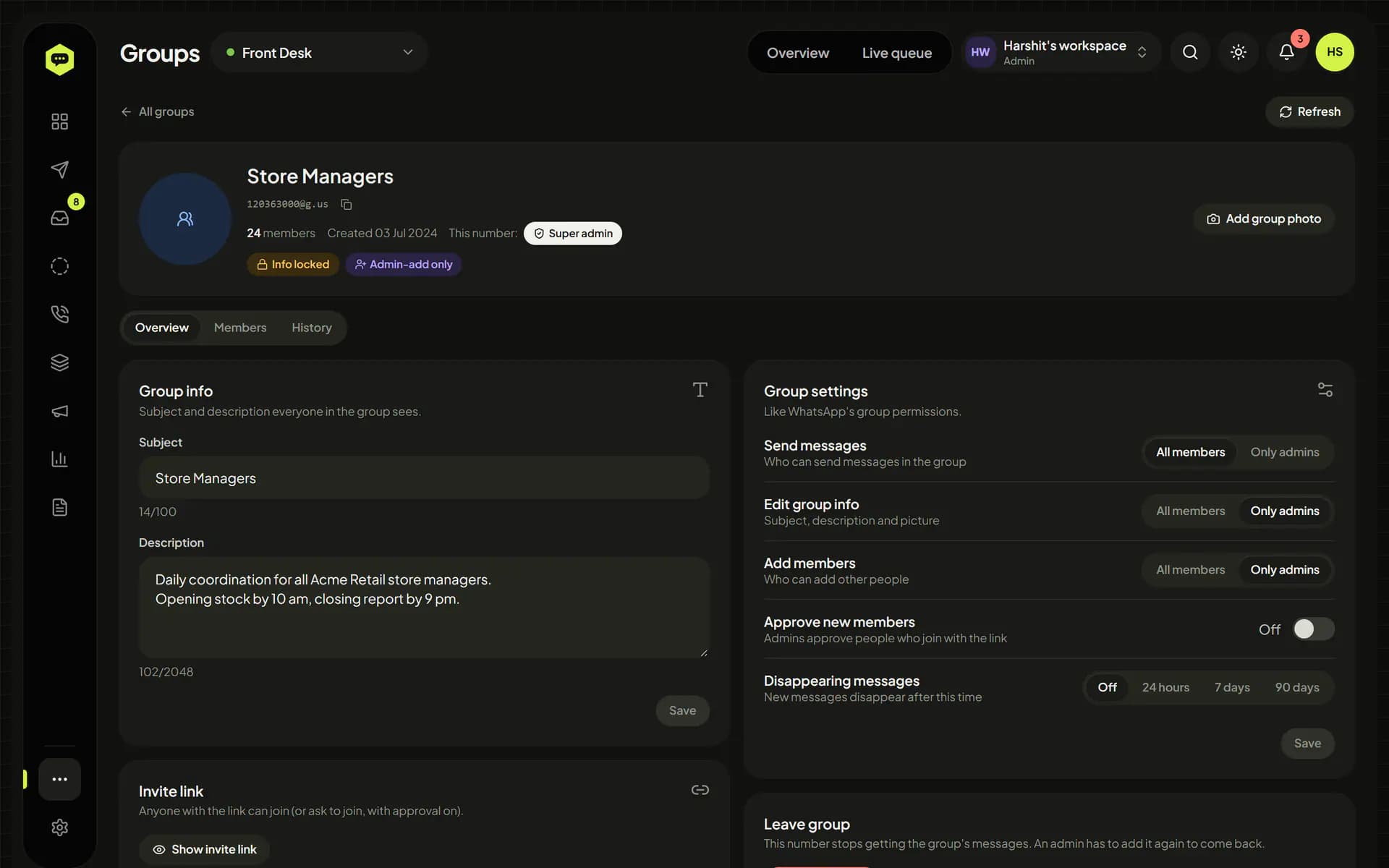
Yes, where your number is an admin. Create groups and communities, change names, photos and settings, add groups to a community or remove them, add and remove members, answer join requests and share invite links. Adds go one person at a time with a pause and daily limits, and every change, made in WhatsHive or on the phone, lands in a history you can filter.
Media opens straight from WhatsApp while it's available. Turn on media storage and every photo, video, voice note and document sent or received is also copied to your own S3-compatible storage, such as MinIO or Cloudflare R2, with a retention period you choose.
Yes. There's a REST API, described in OpenAPI 3.1, for sending every message type and for the inbox, Status, calls, groups, communities, contacts, broadcasts, reports and more. Keys belong to one number or to the whole workspace, carry only the scopes you pick, can expire and can be locked to IP addresses. Webhooks cover about 75 events, from incoming messages and edits to calls, Status (scheduled and recurring too), group and community changes and chat assignments, each signed with HMAC. The full reference with copy-paste examples is inside the dashboard.
The hosted service runs on infrastructure in India and reports use Indian Standard Time. You can also run WhatsHive on your own server; it's light enough for a small cloud server. Linked sessions can be backed up encrypted, and media copied, to S3-compatible storage such as Cloudflare R2 or MinIO. How long inbox history and media are kept is configurable. See the privacy page for details.
Yes. Messages, templates, quick replies and keyword rules work in Hindi, Hinglish or any other language. The dashboard itself is in English.
Tell us about your team and we'll get back to you about access.